
Tagged: supply voltage
- AuthorPosts
Hi I have a doubt.The display have a 5v jumper connector. So i soldered those pins and this means the display should be able to run with 5V supply.
But it’s not turning on when I connect it directly to the computer.
Is this okay ? Or am I doing something wrong?Alright that’s okay.
I have few questions regarding the software.
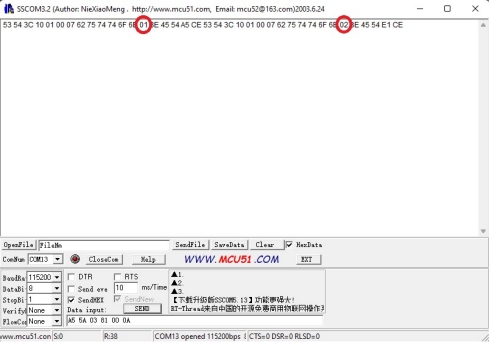
So I decided to text the button first. Even though I am trying to implement the custom values, it keeps sending the default values in the output. Please check the images attached.
I want the button to send ‘5’ when pressed, and ‘6’ when released, but it sends 1 and 2.
One more question, how do I make a button, which when pressed, will keep in pressed state even after the finger has been removed. and in order to release it, we must press it again. I don’t see any option for such button in the software.


Dalam kasus pertama.
1) Silakan periksa terlebih dahulu apakah Anda menggunakan stone designer versi terbaru?
2) Periksa apakah Anda sudah memperbarui firmware layar.Berikut ini adalah alamat unduhan untuk versi terbaru stone designer:
Stone hmi Informasi yang diperlukan untuk memperbarui firmware layar.
https://www.stoneitech.com/download/stonehmi-v2-2-19/
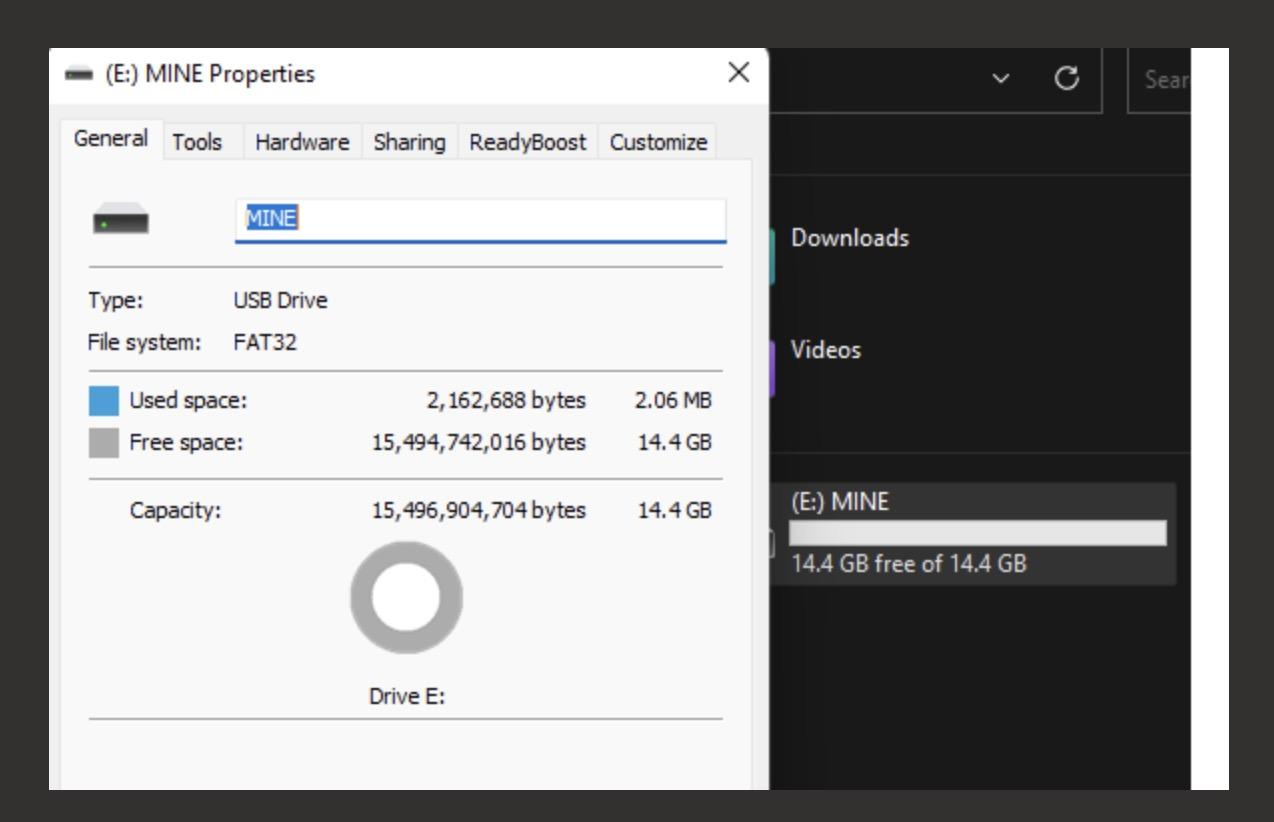
Tutorial untuk memperbarui firmware
https://www.stoneitech.com/u-disk-file-instructions-for-updating-firmware-and-projects/Skenario kedua.
Perintah yang dikirim oleh perancang batu perusahaan kami dalam bentuk string.
Unduhan instruksi kami tersedia di: https://www.stoneitech.com/download/instruction-sets-v1-5rc-20220615/
- AuthorPosts


- You must be logged in to reply to this topic.